USPS Form 1583: what it is and why every virtual mailbox requires it
Confused about USPS Form 1583? Learn what it is, why it’s required for virtual mailboxes, and how to complete it correctly.

Setting up a virtual mailbox sounds simple. You choose a provider, pick an address, and start receiving mail digitally.
Then you hit an unexpected step: USPS Form 1583.
Many people pause here. Why do you need to fill out a form and even get it notarized just to receive mail? It can feel excessive, especially if you’re used to quick online sign-ups.
In reality, this step is standard. Every legitimate mail forwarding or virtual mailbox service in the U.S. is required to collect this form before handling your mail.
This guide explains what USPS Form 1583 is, why it exists, and how to complete it correctly so you can move forward without delays.
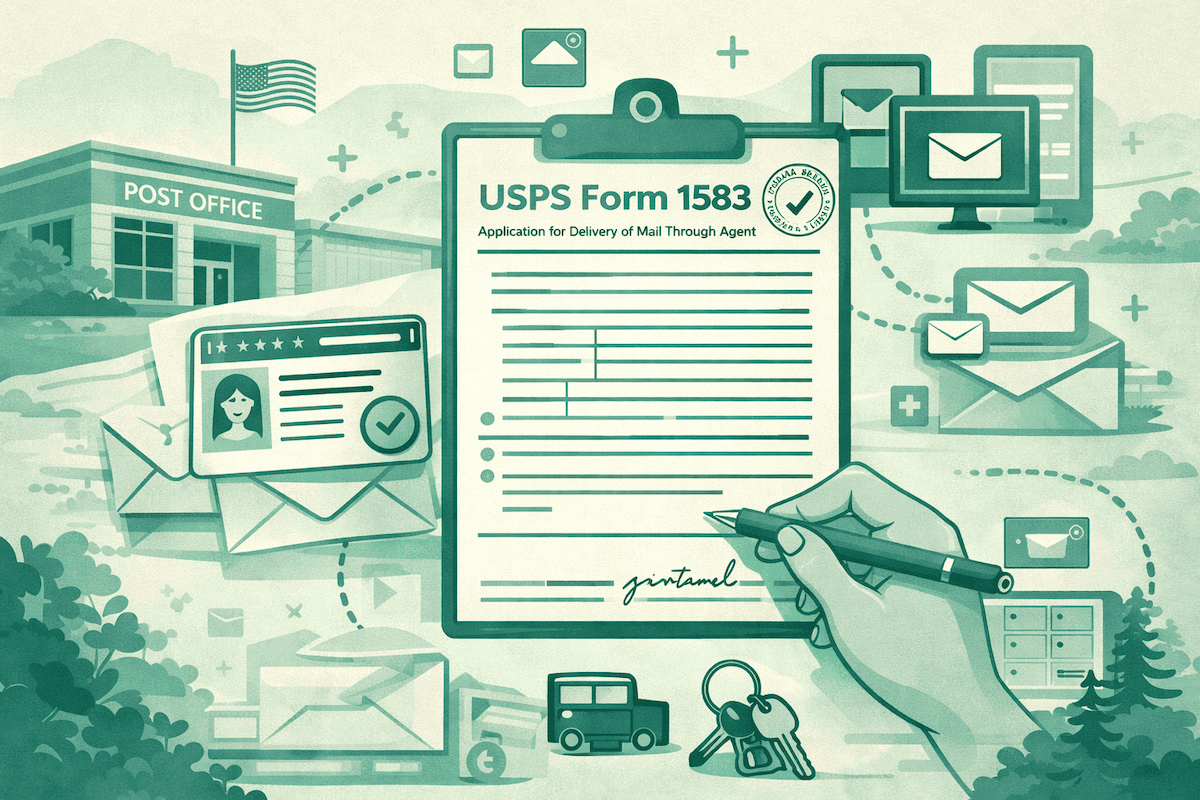
USPS Form 1583 is required to allow a mail-forwarding or virtual mailbox provider to legally receive and handle your mail.
It’s mandatory for all Commercial Mail Receiving Agencies (CMRAs) and includes identity verification with two forms of ID and notarisation. Without a completed Form 1583, your provider cannot accept your mail.
Keep in mind: Form 1583 only authorizes mail handling. It does not establish legal residence or domicile.
What is USPS Form 1583?
USPS Form 1583 is used to authorize a third party to receive and handle mail on your behalf. If you register for a virtual mailbox or mail forwarding service, you do not receive the mail directly. Mailbox centers receive, scan, store, or forward your mail. They need your permission to do this, and Form 1583 is how you grant it.
All Commercial Mail Receiving Agencies (CMRAs), including private mailboxes, are required to display this notice. A CMRA is a business approved by the U.S. Postal Service to receive mail and other commercial matter on behalf of its customers. These businesses operate throughout the USPS network.
You should also be aware that a provider cannot legally accept your mail unless you have a completed Form 1583.
Important: Form 1583 does not set up automatic mail forwarding with USPS. It only authorizes a specific CMRA to receive and handle mail sent to that particular address.
Why Form 1583 is required
In the U.S., handling mail is regulated. To prevent fraudulent practices and assist in the battle against identity theft, the USPS requires that anyone who receives mail on behalf of others have access to the information necessary to verify a customer's identity.
This process is similar to how banks authenticate your identity prior to any transactions. Essentially, you must verify your identity and obtain explicit consent before allowing a service to act on your behalf.
However, all legitimate virtual mailbox providers need Form 1583 to set up a mail service address for you. If a mail forwarding provider that you are considering does not mention the need to provide Form 1583 to the Post Office, you should be on high alert.
Who needs to fill out Form 1583?
Form 1583 applies to anyone using a service that receives mail on their behalf.
This includes:
- Individuals using mail forwarding services
- Digital nomads and expats
- Full-time RVers
- Remote workers without a fixed address
- Businesses using virtual offices or mailing addresses
Whether you’re living abroad, traveling full-time, or simply want to manage your mail digitally, you’ll need to complete this form.
What information is required on Form 1583
The form itself is straightforward, but accuracy matters.
You’ll be asked to provide:
- Your full legal name
- Your current residential address
- The address of the mail forwarding provider (CMRA)
- Contact information
You’ll also need to include identification details and sign the form in the presence of a notary.
Even though the form is simple, any mistakes or inconsistencies can delay your mailbox setup.
Accepted forms of ID
To complete Form 1583, you must provide two forms of identification.
Typically, this includes:
Primary ID (photo ID):
- Passport
- Driver’s license
- Government-issued ID
Secondary ID:
- Utility bill
- Bank statement
- Lease agreement
- Insurance document
The IDs must be valid and clearly show your name. In some cases, they may also need to match the address you provide on the form.
Providers may have slightly different requirements, so it’s always worth checking their guidelines before submitting.
Why is notarization required?
What is the notarization requirement on Form 1583?
A notary is a state-commissioned official who verifies your identity and witnesses your signature. Notarization formalizes your authorization and helps protect against fraud.
Notarization is also a compliance measure that has helped prevent fraud. No one can set up a mailbox in your name without your knowledge. While this may seem irritating, this is a normal process and takes a matter of minutes.
How to complete Form 1583 (step-by-step)
Filling out Form 1583 is straightforward if you follow the right steps.
1. Get the form from your provider
Virtual mailbox services will provide you with a pre-filled form, or one that is already partially completed. If this is the case, then make sure that the information provided is correct.
2. Fill in your personal information
Ensure all information is provided accurately and exactly as found on personal identification documents. This must include a full legal name and complete street address.
3. Confirm your provider details
The form must include the name and address of the mail forwarding company. These details MUST be correct.
4. Prepare your identification
Gather your two forms of ID and ensure they are valid and clearly readable.
5. Get the form notarised
Once completed, take a copy of the form to a notary or utilize an online notarization service. You will need to sign the form in the presence of the notary.
6. Submit the form
Send the notarized form and a copy of your ID to your provider. Once approved, you can have your mailbox activated.
Can you complete Form 1583 online?
Yes, in many cases you can complete the process online.
Several providers support remote online notarization (RON), which allows you to verify your identity and sign the form digitally.
This is especially useful for expats and travelers who may not have easy access to a local notary.
However, not all providers support this option, so it’s important to check before starting the process.
Common mistakes to avoid
Most delays with Form 1583 come from simple errors.
Here are the most common mistakes:
- Submitting expired or invalid ID
- Using names that don’t match your documents
- Providing an incorrect or outdated address
- Forgetting to notarise the form
- Sending unclear or low-quality scans
Taking a few extra minutes to double-check everything can save you time later.
What happens after you submit Form 1583
Once your provider receives your form, they will review your information and verify your identity.
If everything is correct, your mailbox will be activated. This usually takes a few days, depending on the provider.
If there are issues, you may be asked to resubmit documents or correct errors.
After approval, you can start receiving, scanning, and forwarding your mail as planned.
Is Form 1583 safe?
It’s normal to have concerns about sharing personal information.
Reputable mail forwarding providers take data security seriously. They use encryption and secure systems to store your information and comply with privacy regulations.
That said, it’s important to choose a trusted provider. Look for companies with clear privacy policies and established reputations.
Form 1583 vs legal residence
One important point to understand is that Form 1583 does not establish legal residence.
It simply authorizes a provider to receive your mail.
This means that having a virtual mailbox alone may not be enough for:
- Opening certain bank accounts
- Getting a driver’s license
- Establishing tax residency
For those purposes, you may need a compliant residential address and additional documentation.
How SavvyNomad can help
Setting up a virtual mailbox is just one part of a larger picture.
If you’re living abroad or on the road, you may also need to think about domicile, compliance, and how your address is used across different systems.
SavvyNomad helps you organize these pieces into a clear, structured setup. From choosing the right address type to aligning your documentation, the goal is to make your setup more consistent and easier to manage.
Conclusion
USPS Form 1583 may feel like an extra step, but it’s a normal and necessary part of setting up a virtual mailbox.
This step ensures your mail provider is authorized and that your identity is verified.
Once you get the hang of the process, it is quite easy to complete, and as long as you have the correct documents and know what is required, you can have your mailbox installed quickly.
Do it right the first time, save time in the long run.
FAQs
Do I need Form 1583 for all mail forwarding services?
Yes, any legitimate CMRA must collect this form before handling your mail.
Can I skip notarization?
No. Notarisation is a USPS requirement and cannot be skipped.
How long is Form 1583 valid?
Form 1583 remains valid as long as you continue using the same provider and your personal details don't change.
Can I use Form 1583 as proof of address?
No, it only authorizes mail handling and does not establish residency. Read our guide on how to prove your residency without utility bills.
What happens if I don’t submit it?
Your provider will not be able to receive or process your mail.